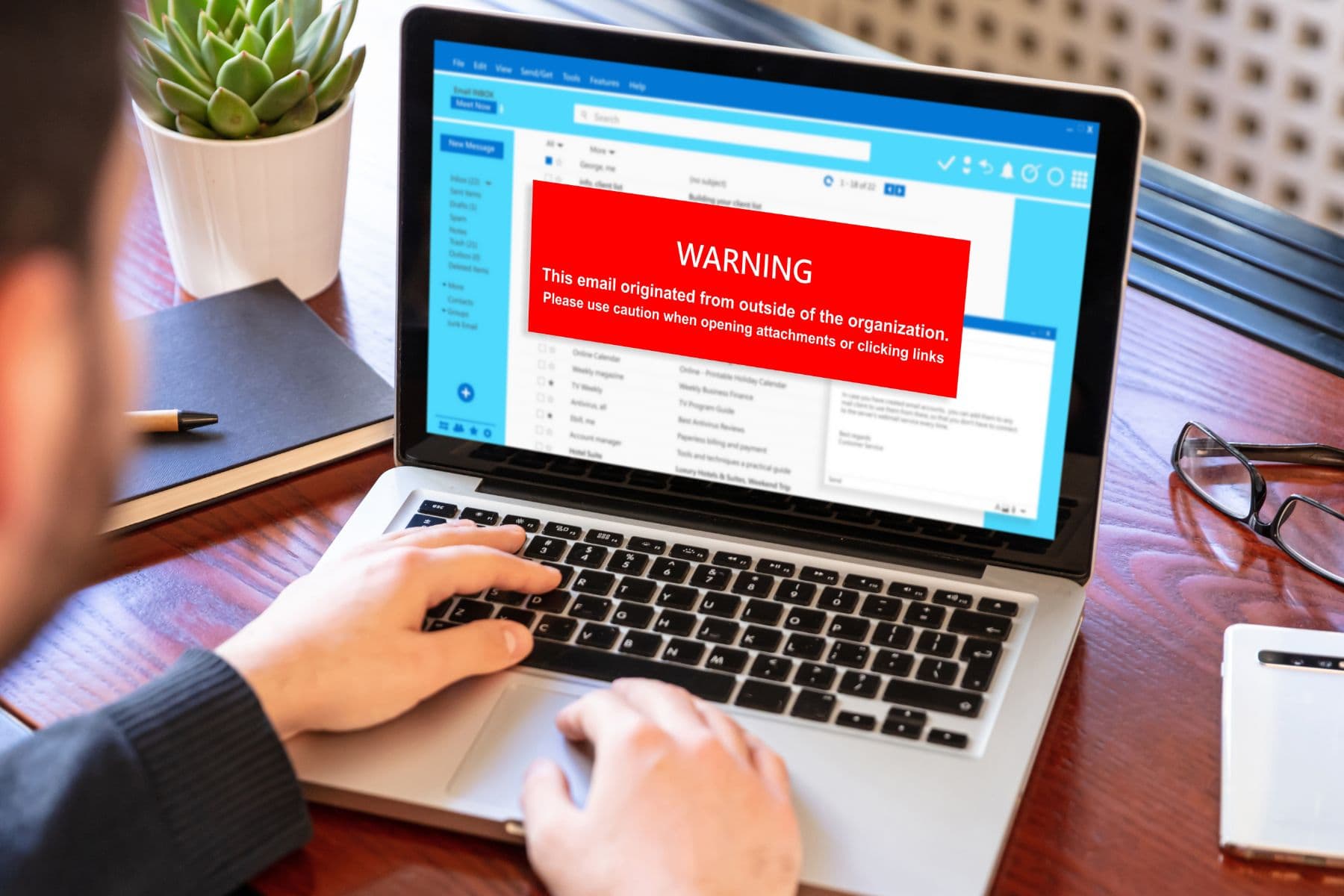
An Austin-area legal and CPA firm eliminated a live compliance and security risk when CMIT Solutions of Austin Central managed a 45-hour workstation operating system modernization, restoring compatibility with the firm's ProSystem fx tax preparation software, closing the vulnerabilities of an unsupported OS, and returning a production machine to full service with no data loss.
Few environments punish IT neglect faster than a firm that files taxes and legal documents for a living. Client tax records, legal filings, financial statements, and privileged communications all live on endpoints that must meet strict security and software standards. When a key production workstation was still running an outdated operating system that the firm's critical tax software no longer supported, the problem was not theoretical, it was a countdown.
Project Snapshot
- Client: Legal and CPA services firm
- Location: Austin area
- Service: Compliance & CMMC
- Scope: 45 hours — production workstation OS upgrade with backup validation, application compatibility testing, and compliance documentation
- Outcome: Full ProSystem fx compatibility restored with zero data loss and no interruption to active client engagements
The Challenge
The workstation in question was not a spare machine. It was in daily production use, and its operating system had aged past the point where the firm's tax preparation platform, ProSystem fx, would run reliably on it. An unsupported OS also stops receiving security patches, which turns a compatibility annoyance into an audit finding and a genuine breach risk for a firm holding privileged client financial data.
The timing pressure made the stakes concrete. With billable rates ranging from $200 to $500 per hour, a single day of unplanned downtime during tax season translates to roughly $8,000 to $20,000 in lost productivity and client impact, before counting the reputational cost of missing a filing commitment.
The Solution
CMIT Solutions of Austin Central treated the upgrade as a controlled change, not a routine install. Work began with a full system backup and a validated recovery test, so the machine could be restored to its exact prior state if anything went wrong. Only then was the OS upgraded to a current supported release.
After the upgrade, the team verified the things that actually determine whether a workstation is usable: ProSystem fx compatibility, every attached peripheral, and each software dependency the firm's workflow relies on. Security hardening followed, and every step was captured in change documentation the firm can hand to an auditor.
What We Delivered
- Full pre-upgrade system backup with validated recovery testing
- Windows operating system upgraded to a current supported release
- ProSystem fx compatibility confirmed and validated after the upgrade
- All peripheral devices and software dependencies tested in the new environment
- Security hardening: patching, Endpoint Detection and Response (EDR), and Multi-Factor Authentication (MFA) verification
- Complete change documentation prepared for compliance records
The Results
The workstation returned to full productivity within the project timeline with no data loss and no disruption to active client engagements. For a firm billing $200 to $500 per hour, avoiding even one day of unplanned downtime during tax season protects $8,000 to $20,000 in productivity, and the disciplined execution meant that cost was never incurred at all.
Beyond the immediate fix, the firm removed an unsupported operating system from its environment, restored a fully patched and monitored endpoint, and gained the written change record that regulatory and client due diligence reviews expect to see.
Key Takeaways
- An unsupported operating system is a compliance finding waiting to happen, not just a software compatibility problem.
- Backup and validated recovery testing before an upgrade is what turns a risky change into a reversible one.
- In a billable-hour business, a day of downtime during peak season can cost more than the entire IT project that would have prevented it.
Running critical software on aging workstations at your Austin firm? Reach out to CMIT Solutions of Austin Central to review your Compliance & CMMC readiness.